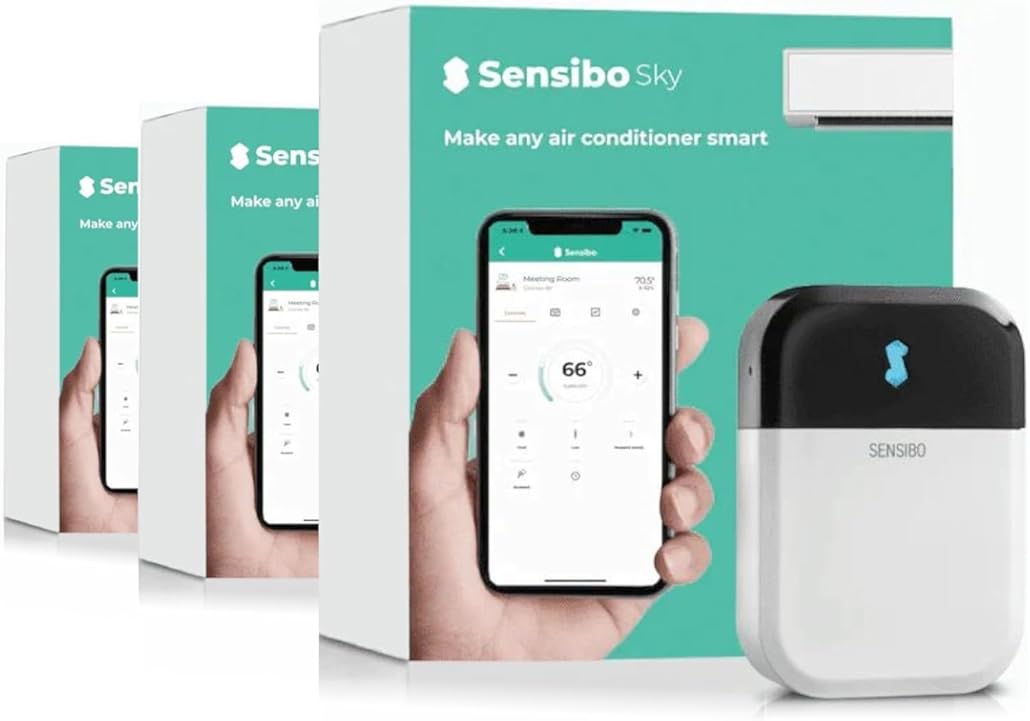
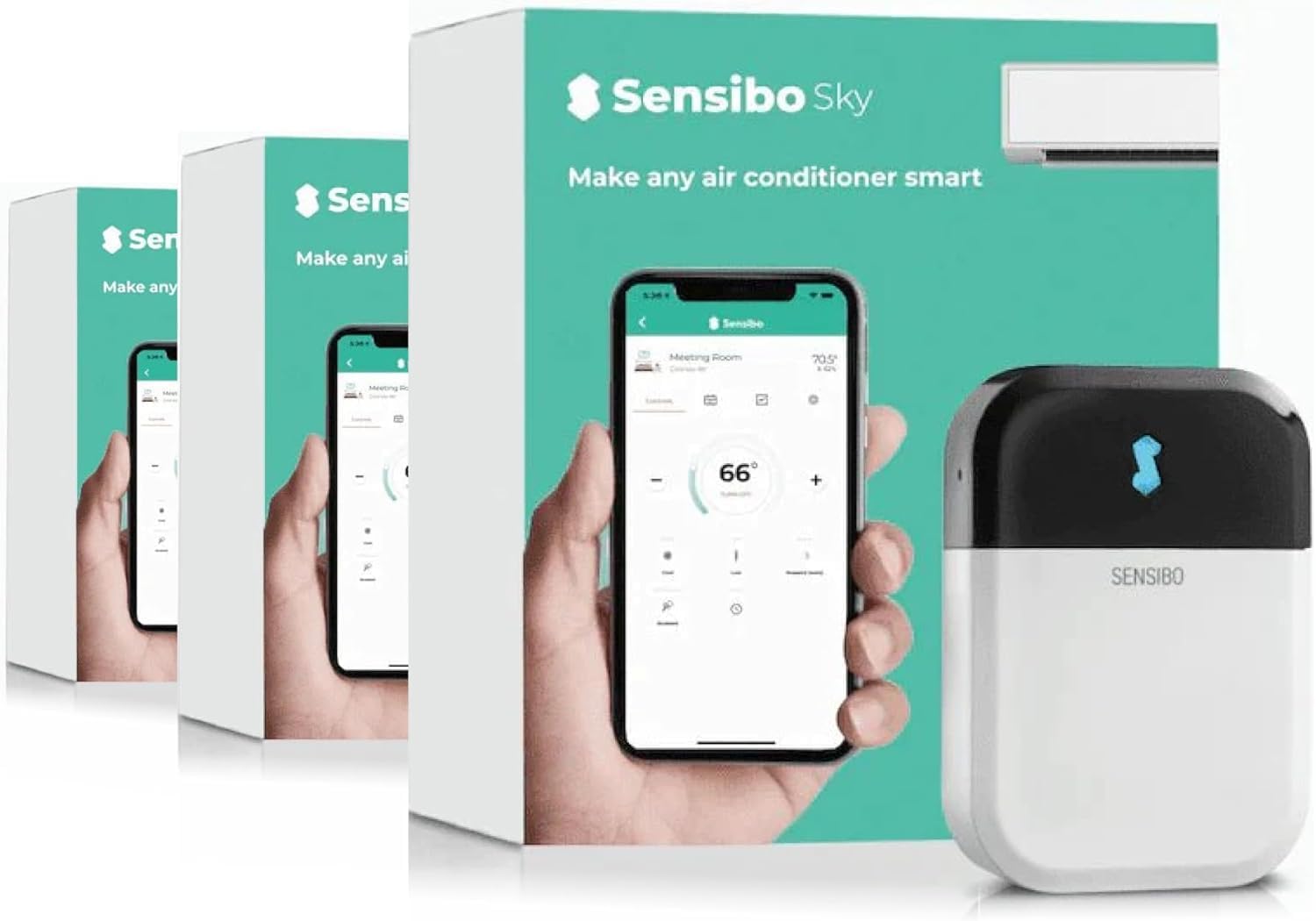
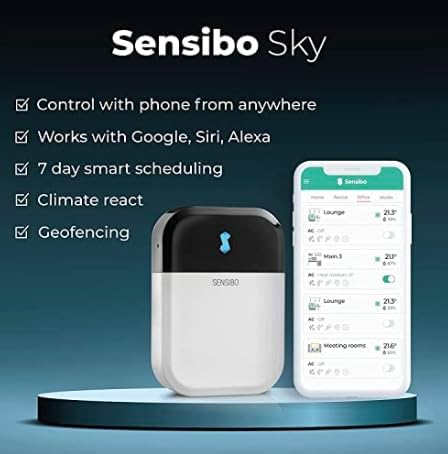
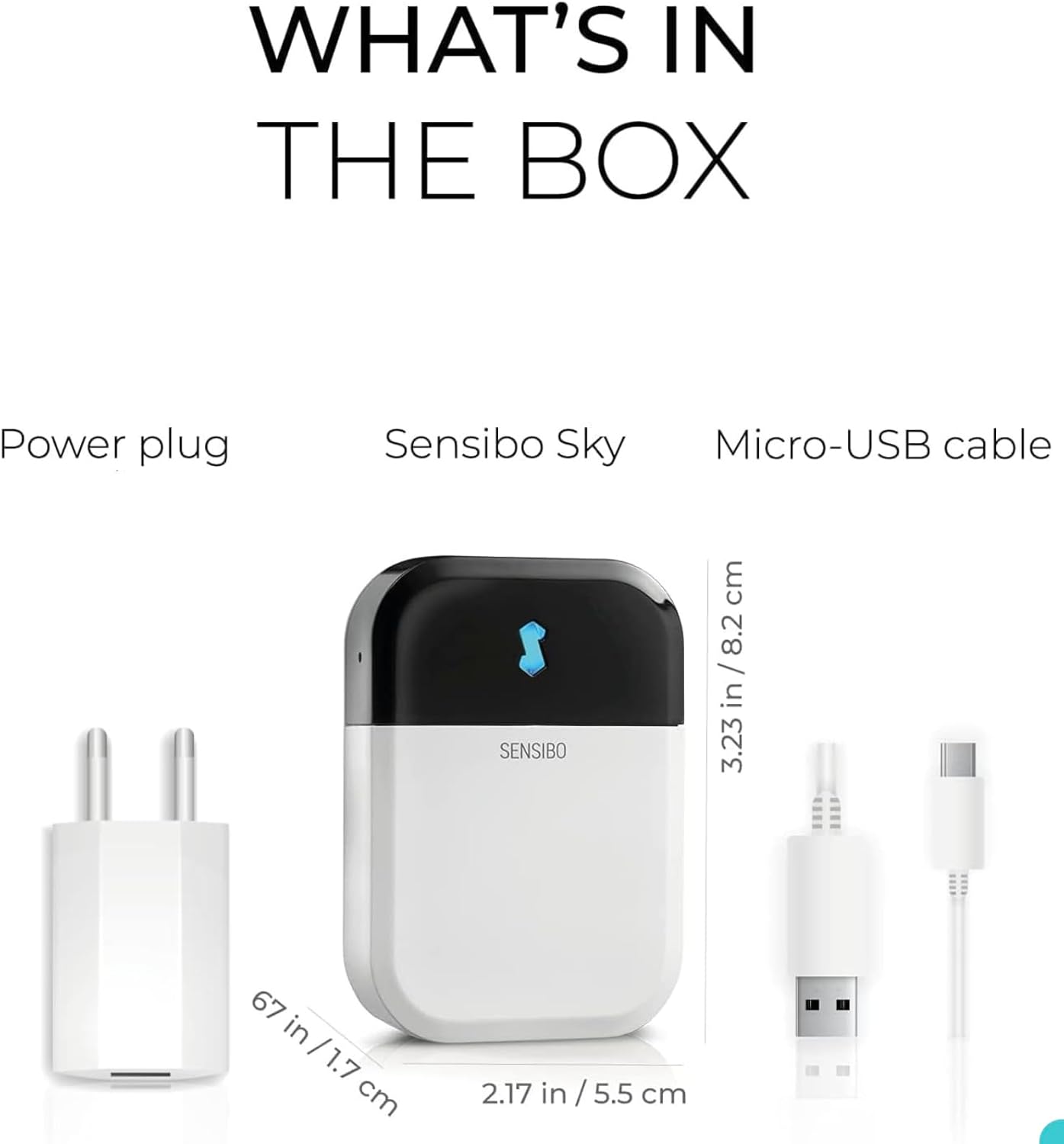
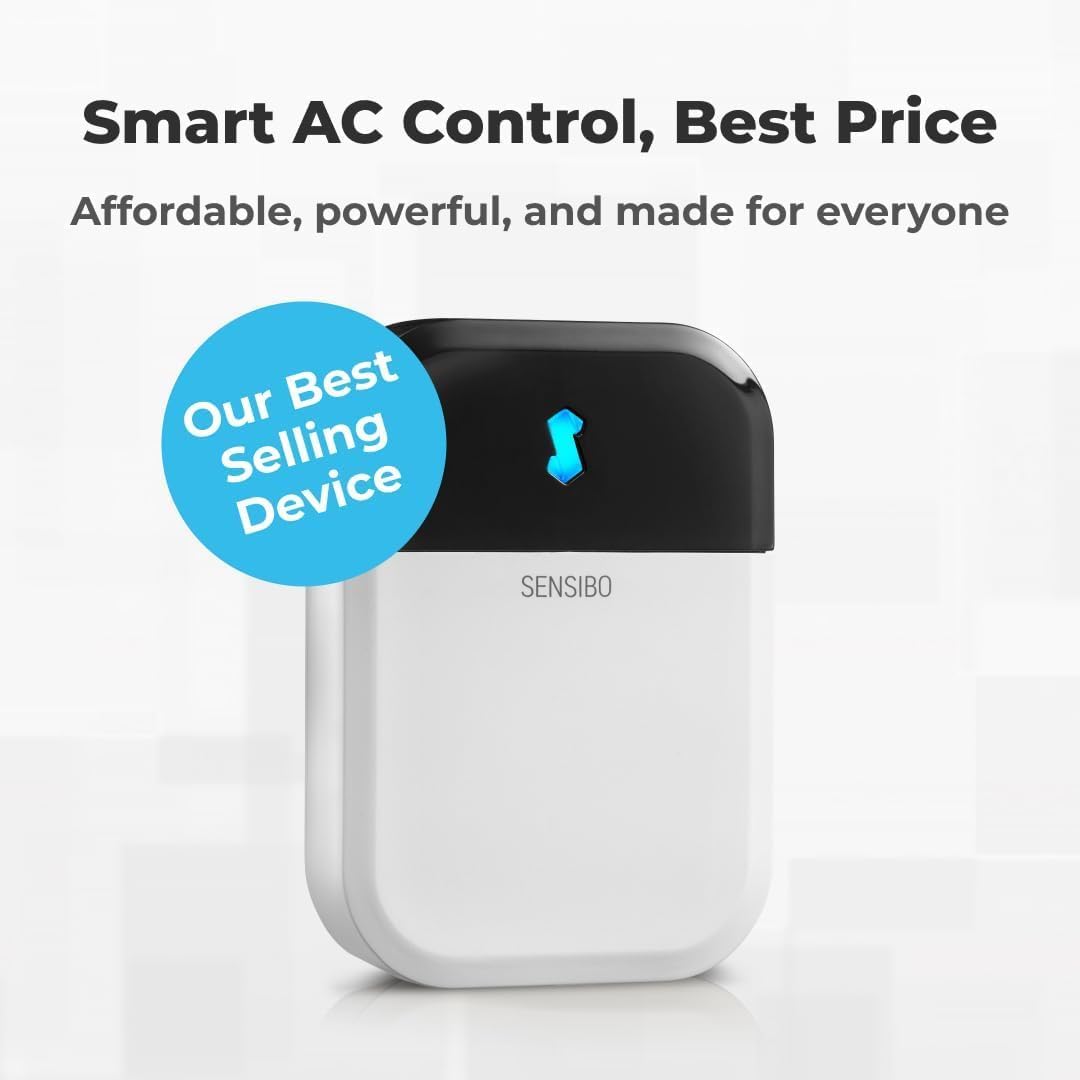
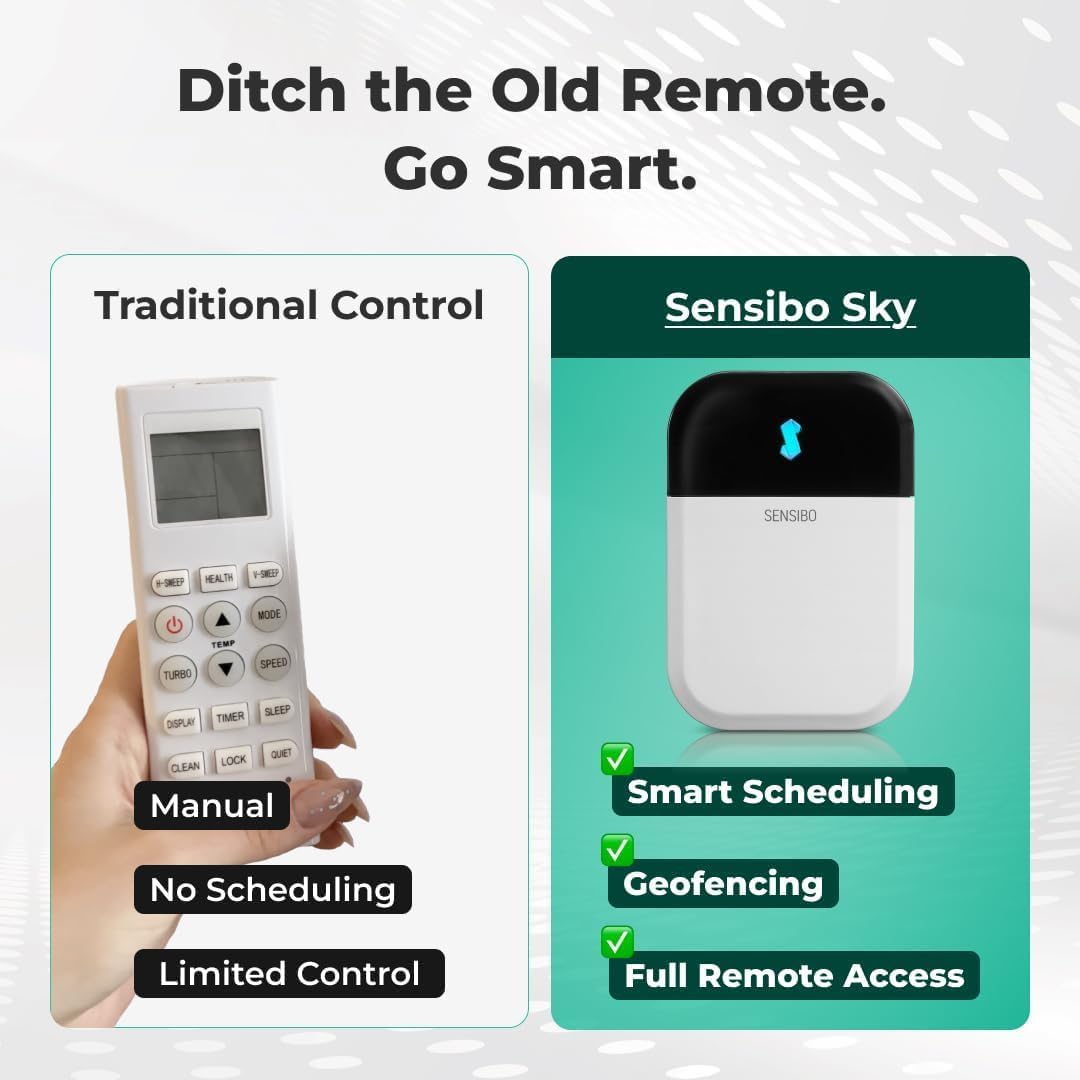
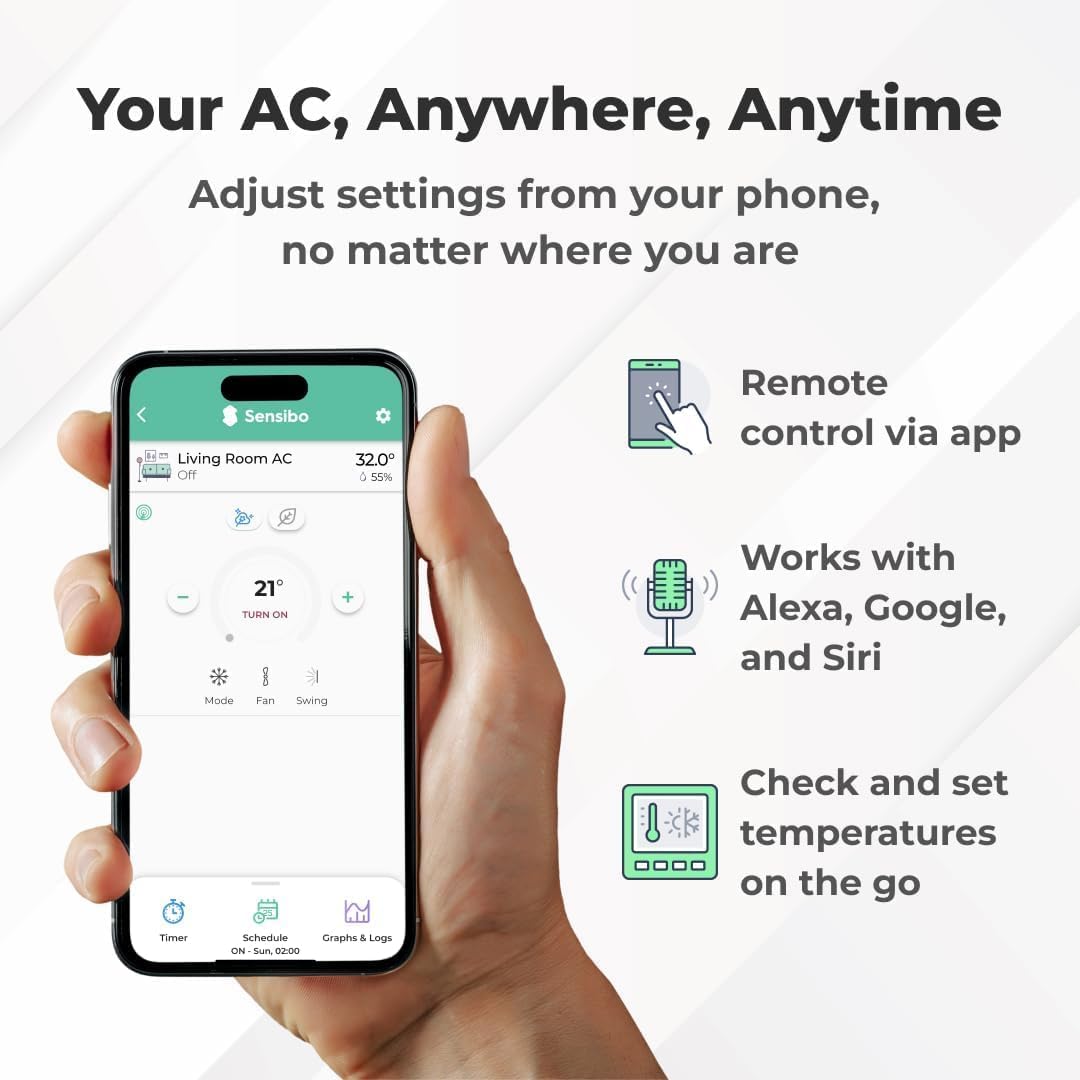
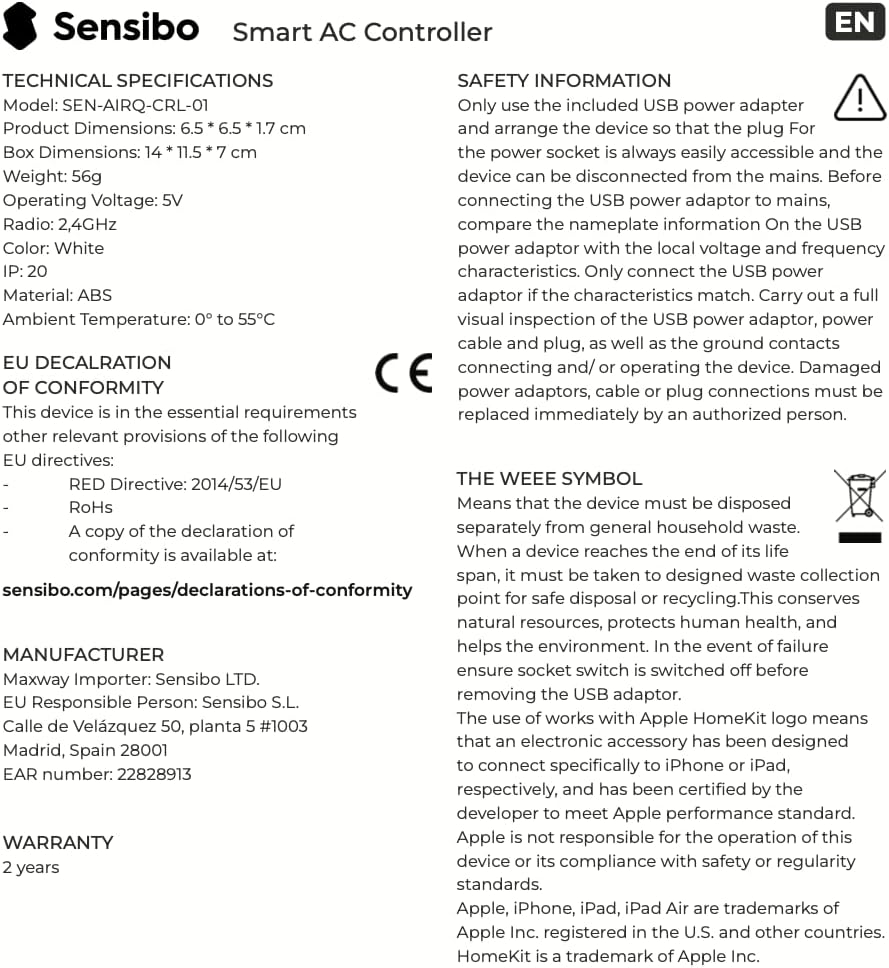
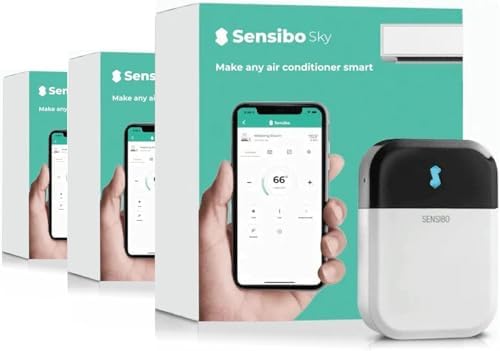
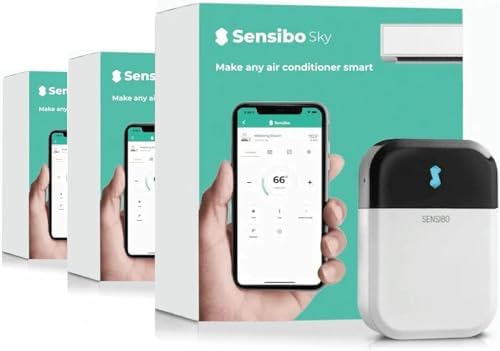
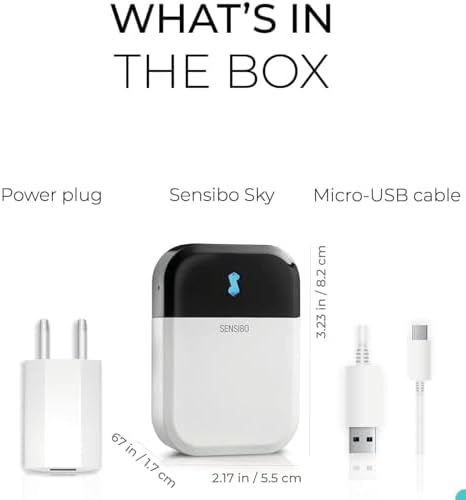
Sensibo Sky 3 Pack, Smart Home Air Conditioner System - Quick & Easy Installation. Maintains Comfort with Energy Efficient App - Automatic On/Off. Wifi, Alexa and Siri.
-
DetailThe video showcases the product in use.The video guides you through product setup.The video compares multiple products.The video shows the product being unpacked. Merchant Video
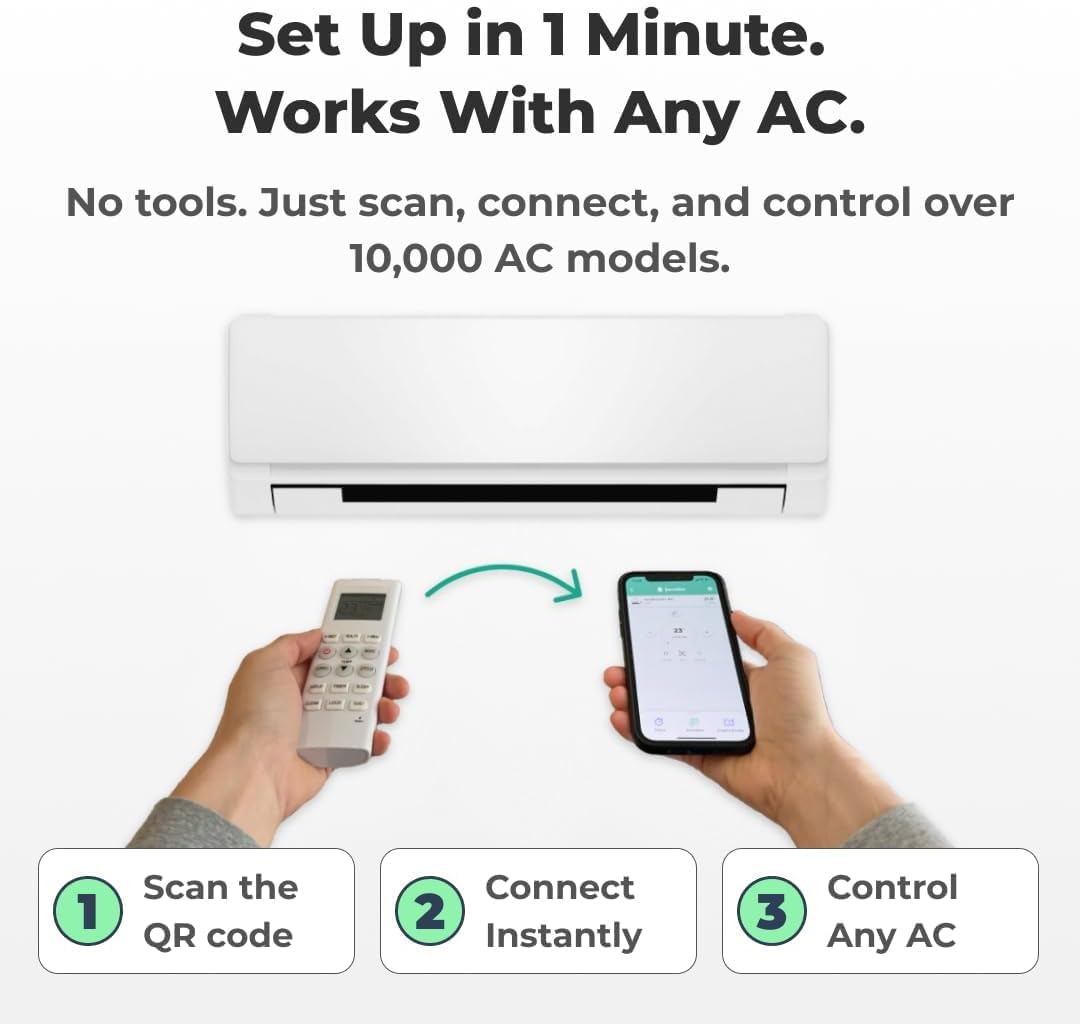
1. Download the Sensibo App from Google Play or the App Store
2. Connect the Sensibo device to power
3. Open the Sensibo app, create an account
4. Follow the instructions to:
- Add and scan your device
- Set the location
- Choose a room
5. Select your Wi-Fi network and enter your password. Sensibo supports 2.4GHz Wi-Fi, not SGHz.
Remote Pairing
Pair your existing physical remote control with Sensibo. If the detected remote is not a perfect match or you don't have the physical remote, you can manually select the correct remote for your AC in the app.
Device Placement
Sensibo requires a direct line of sight with the AC unit you wish to operate. We recommend placing the Sensibo device within 5 meters/16 feet of the AC unit for best results. Older AC models may require placing the Sensibo device closer to the unit.
Wi-Fi Connectivity: If you're having trouble connecting your device to Wi-Fi, you can manually connect it by following the steps found in "How to Install"
Sensibo Sky
hero-video
How to install
Troubleshooting
-
Customer ReviewsNo comments